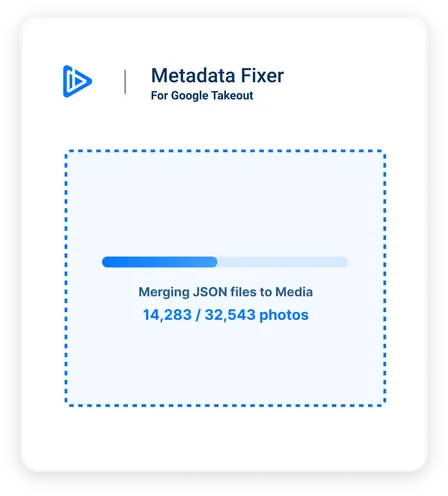
Are Your Google Takeout Pictures and Videos Out of Order?
Fix Your Pictures' and Videos' EXIF Metadata When Exporting From Google Takeout.




What We Fix
Timestamp
Retrieve the original timestamp of when the photo was taken, allowing to import your photos and videos elsewhere in the correct chronological order.
Title & Description
Get the original file name, description and tags added to your images.
GPS Coordinates
Get the GPS latitude and longitude of where your picture was shot (if available).
File type-specific tags
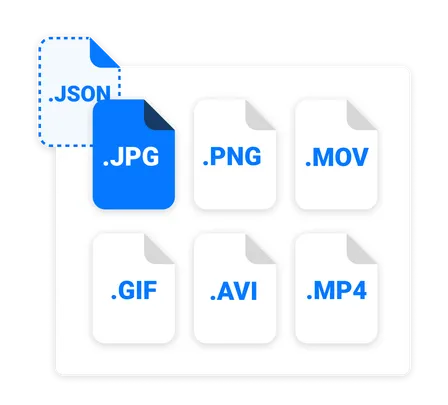
We process most common photo and video file formats, and use the proper tags for each file type and operating system. See FAQ for more details.
Timezone
We adjust the timezone of your photos based on GPS coordinates, if available, so that all yours trips' pictures and videos show the correct time.
Duplicates
Any file with the "(1)" or any other number as a suffix will also be processed with the right JSON.
"Had been using google photos for a while now to keep my pictures. With the recent announcements by google to remove their free unlimited package, I decided to give this a try. Worked wonders!! It was super easy to use, and kept everything intact!"